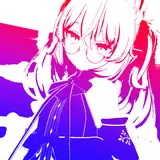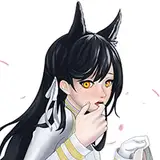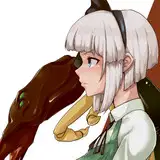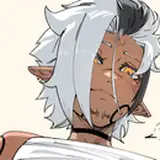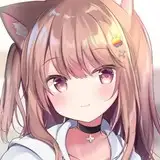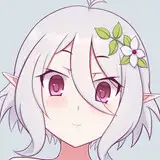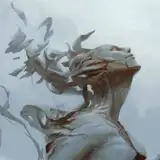
💛 Fuzzy Strands Brush Set (.ABR) 💛
🎨 Tier 1 Release
This new Photoshop brush pack was created by the eldest son of the DAZZworks3D trio, marking his second official brush release. Built for both digital painters and texture artists, this set delivers natural, fuzzy realism and fine strand control — perfect for bringing hair, fur, or soft surface detail to life in 2D work.
✨ Features
Includes 10 custom Photoshop brushes (.ABR)
Designed for painting hair, fur, and fuzzy materials
2 Rake brushes for vertical / horizontal texture direction
2 Strand brushes for small and long individual hairs
Additional coverage and filler brushes for soft blending and build-up
Fully compatible with Photoshop CC+ and other .ABR-supported apps
🧠 Usage Notes
Download and open Photoshop.
Go to Brush Settings → Import Brushes.
Load the “Fuzzy Strands Brush Set” file.
Brushes appear instantly in your Brush Panel — ready to paint.
For best results, adjust flow and opacity to blend strand and fuzzy coverage naturally. Great for digital portrait hair, character texturing, or photo retouch detailing.
💬 Thanks for supporting our growing family studio.
Every download helps the next generation of artists move forward — consider upgrading your tier to help expand future tool releases!
⚙️ Early Release Note
We’re still in the early phases of developing our .ABR series. If you encounter any bugs, import issues, or brush behavior concerns, please reach out directly so we can improve upcoming releases. Your feedback helps shape the next generation of tools.
#Photoshop #BrushPack #DigitalArt #DAZZworks3D #2DArt #ArtResources #BrushSet #FuzzyStrands #TextureBrushes #HairBrushes #FurBrushes #DigitalPainting #ABR #ArtTools #Resources #ArtAssets #TextureArt #PhotoshopBrushes